Product Notes
Claude Tag brings AI agents into shared Slack channels
Anthropic’s Claude Tag beta turns Claude into a channel-scoped teammate that can be tagged into Slack threads, use approved tools, remember relevant context, and work asynchronously.
What launched
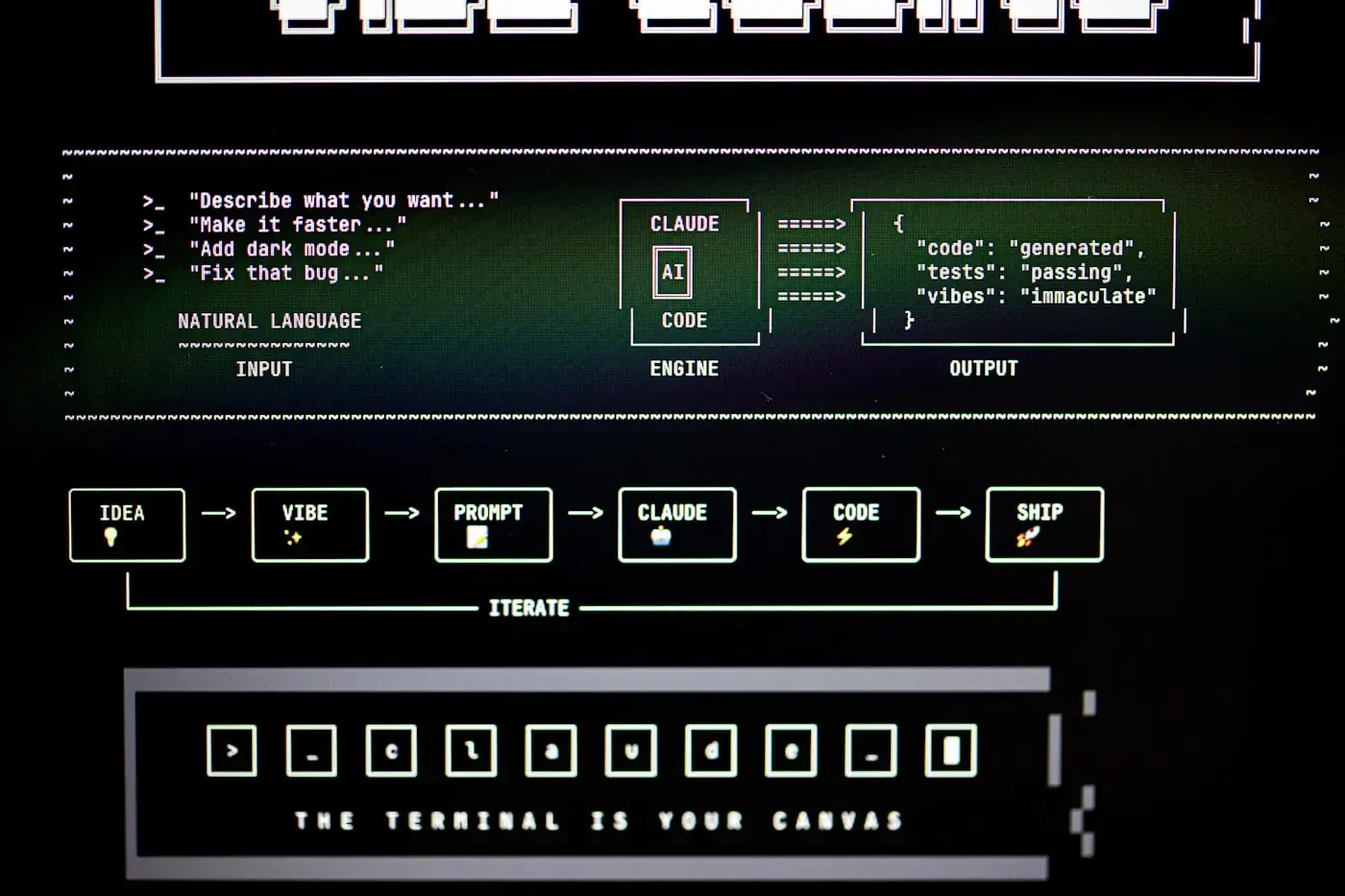
Anthropic introduced Claude Tag on June 23, 2026. The product starts in Slack, where Claude can be added to selected channels, connected to approved tools, data, and codebases, then tagged into work by people in the channel.
The beta is available for Claude Enterprise and Team customers. Anthropic says Claude Tag replaces the older Claude in Slack app, with administrators able to opt in during a migration window.
Why shared context matters
Most AI assistant workflows are private: one person prompts, one person sees the answer, and the context disappears into a side conversation. Claude Tag changes the shape of the interaction by making the agent visible inside a shared work channel.
That makes handoffs easier. Anyone in the channel can see what Claude was asked to do, what it returned, and where the thread stopped. For recurring team work, that is more useful than repeatedly pasting background into a separate chat.
Async and proactive behavior
Claude Tag can break a task into stages, work through them, and respond in a Slack thread when it has results. Anthropic also describes the ability to plan tasks for the future and pursue longer projects over hours or days.
The optional ambient behavior is the part teams should introduce carefully. In that mode, Claude can flag relevant information and follow up on threads or tasks that appear unresolved. That can reduce coordination gaps, but it also needs clear expectations so the channel does not become noisy.
Admin controls are the product
The strongest implementation detail is permissioning. Administrators define which channels, tools, and information a Claude identity can access. Anthropic describes this as separate channel-scoped setups, so memories and permissions for one workflow do not automatically move into another.
Admins can set spend limits and review logs of what Claude did and who requested it. That makes Claude Tag closer to an enterprise workflow system than a simple bot integration.
Where teams should start
The safest first use cases are workflows with low data sensitivity and clear outputs: summarizing release threads, drafting issue triage notes, pulling product metrics into a status update, preparing support-ticket summaries, or creating documentation from a resolved discussion.
Teams should avoid connecting broad production privileges on day one. Start with read-heavy workflows, scope channels narrowly, and verify that logs and escalation paths are useful before expanding access.
- Create one Claude identity per team or workflow rather than one broad workspace agent.
- Test in a private channel before adding the agent to a high-traffic channel.
- Define who can approve tool access and spending limits.
- Keep sensitive HR, legal, financial, and security work out of the first pilot unless controls are already reviewed.
What to watch
The product signal is clear: AI work is moving from single-user chat into collaborative surfaces. The next questions are how well the memory scoping works in practice, how admins audit long-running tasks, and whether Anthropic expands the pattern beyond Slack.